

Acceptance criteria examples turn a feature request into outcomes a team can check. For a contact import, preview should show the rows to be saved, confirm should save them, and cancel should leave saved data unchanged. These are separate promises; a test must show what the product did before you can mark them met.
The examples below share one made-up workflow. We checked eight sample CSV files.
We did not build or test an app. Every product test remains not-run.
Acceptance criteria examples for a CSV preview
Story: As a user with access, I want to preview contacts so that I can review them before saving them.
Our exercise accepts comma-separated text with the exact header contact_id,name and one to three data rows. Each row has two fields, both nonblank after trimming outer spaces. Trimmed IDs must be unique in that file; a name may contain a quoted comma.
These are small teaching choices, not rules for a live app. Clashes with saved IDs, text formats and access rights need their own rules.
So do two imports at once. We assume the user needs to avoid typing the rows again. We have not checked that need with real users.
GOV.UK’s user-story guidance links a user and goal to checks and proof of the result. Use customer discovery to learn whether this flow solves a real problem.
Here is the first acceptance criteria checklist:
- P1: A valid file shows the trimmed IDs and names in a preview, with the matching row count.
- P2: Preview leaves the saved contact list unchanged.
- P3: An invalid file shows why it was rejected and offers no way to confirm that file.
A weak rule says “the import handles errors.” P3 needs named cases to make that statement useful.
A wrong header is not the same as a file with no rows. Both can stop the flow.
| Fixture | Input difference | Expected check | Data rows found | App test |
|---|---|---|---|---|
| F1 | A/Acme and B/Beta | Valid | 2 | not-run |
| F2 | A with quoted name “Acme, Inc” | Valid | 1 | not-run |
| F3 | Missing name header | Header error | Unknown | not-run |
| F4 | A/Acme and A/Other | Duplicate ID | 2 | not-run |
| F5 | A with blank name | Blank value | 1 | not-run |
| F6 | Four distinct records | Row limit | 4 | not-run |
| F7 | Header only | No data rows | 0 | not-run |
| F8 | Unclosed quote in name | Parse error | Unknown | not-run |
The counts come from a local data check, not from a product screen. For F3 and F8, the check stops before returning a usable count. Unknown is not zero.
F1 should show just two rows; F2 should preview one name containing its comma, not split it into extra fields. For F4, a count of two rows is not enough: the repeated ID breaks a different rule. A vague error message is not a pass.

A print proof puts details within reach for inspection.
Confirm: check the saved result, including failure
Story: As the user, I want to confirm a valid preview so that the reviewed contacts are saved.
Use a known starting contact list. For this exercise, F1’s IDs do not already exist there. Record that starting state so a later comparison has a clear baseline.
- C1: Confirming F1 saves exactly its two previewed records and reports that result.
- C2: If saving fails under our all-or-none rule, none of F1’s rows is added, existing contacts stay unchanged, and the user sees a failure result.
Some apps allow parts of a file to be saved. They need their own rules for results, messages and next steps. Do not leave the policy for the reviewer to guess during a demo.
A success banner or a total count alone cannot prove C1. Two wrong contacts can still increase the count by two. Read the saved contacts through the product’s normal list or export and check IDs and names against the preview.
For C2, the test plan needs a safe way to make saving fail. The test owner should note the start state, the cause of the failed save and the end state. Seeing a failed request is not enough if some contacts were still saved.
These fixture checks do not prove safe retries or sound access rules. The team still needs product tests for those risks.
Agree rules and tests for a double confirm or a lost connection after saving. The single-confirm case leaves both open.
Cancel: check what remains after the screen closes
Story: As the user, I want to cancel a preview so that I can leave without saving its contacts.
- X1: Cancel clears the staged preview and leaves saved contacts unchanged.
- X2: Confirming again requires a new valid preview; the canceled preview cannot be sent to save.
Closing a panel can satisfy the visible part of X1 while leaving staged data active. Check the saved list against the starting state, then try the next action through the normal app flow. The canceled rows should no longer be available to save.
Keep this separate from undoing an import that has already completed. Canceling a preview and undoing saved work are different tasks with their own risks. A button label proves neither.
If undo is later requested, discuss the changed scope and MVP development cost before treating it as part of the first handoff. Record which version of the rules the quote covered.

The unposted envelope remains outside the slot.
Choose a format the team can review
A checklist works when each outcome is short and clear. Given–When–Then helps when the start state and action matter. With either acceptance criteria format, agree what should happen.
The same preview rule can use Given–When–Then:
Given a user with access, F1 and a known saved contact list, when the user previews F1, then the preview shows A/Acme and B/Beta and the saved list stays unchanged.
The Gherkin reference sets out the start state, action and result a user can see. The sentence above is a worked example, not a test you can run. Running Cucumber requires step definitions that connect the wording to code and check that the app does what the steps say.
Leave out layout and code choices unless they are part of the need. “Show the two trimmed rows” states a result. “Use this particular database table” picks a design but leaves the result unclear.
Replace “fast,” “secure” or “easy” with a clear check when those qualities matter. For a speed test, name the file size and load.
Say where to time the response and what counts as fast enough. This small CSV exercise sets none of those limits.
Separate expected behavior from observed evidence
We checked the eight sample strings with Python 3.12.14 and its standard CSV parser. It found the stated types and row counts.
This includes the quoted comma and the unclosed quote. It makes no network, UI, API or database calls.
That check tells us about the files. It does not prove that P1, C1 or X1 passed. Those require a running app and proof of what it did.
A test record can hold these fields:
| Field | Example for the preview story |
|---|---|
| Scope/version | Fictional CSV import, exercise version 1 |
| Criterion/case | P1 and P2, fixture F1 |
| Starting state | Authorized user; known saved contact list |
| Action | Preview the supplied two-record file |
| Expected | Two matching records shown; saved list unchanged |
| Evidence reference | None: product test not run |
| Observed result | Unknown |
| Owner/status | Named tester; not-run |
Use a real named owner in the team’s record. Keep an unrun check visible rather than turning an empty result into success.
A failed check needs proof of a wrong result. If no one knows what should happen, first agree the rule.
When a test runs, note the build, input, setup and result. A preview screenshot and a saved-list comparison support different claims.
Proof of concept testing asks whether one idea can work. A successful spike can inform this work, but it does not fill the gaps in the app tests.
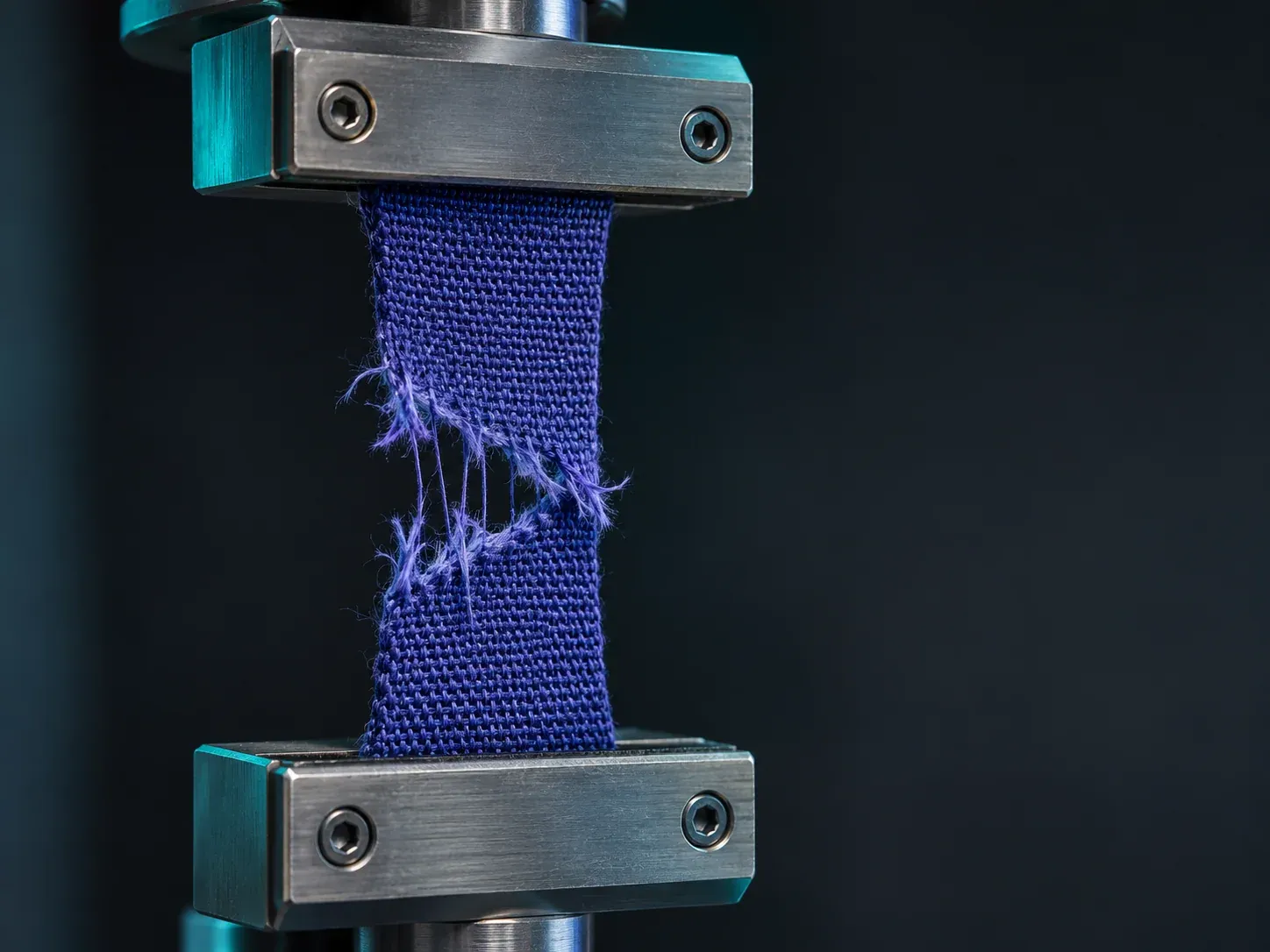
Broken fibers make failure visible in this illustration.
Acceptance criteria versus Definition of Done
Story criteria describe this feature’s outcomes. The November 2020 Scrum Guide gives the Definition of Done a broader role: shared quality requirements for the Increment. Checking the import examples does not replace that commitment.
Record how the change meets the shared quality rules as well as its story outcomes. Neither list certifies the product safe.
Business success is another question. Correctly importing contacts does not prove adoption, revenue or preference over another product. Evidence of user needs and product differentiation require their own observations.
The Scrum.org video below explains the distinction between criteria and Definition of Done. It predates the 2020 Guide; use the Guide for the formal wording.
Agree the next check before accepting the work
Review the examples with the people responsible for product scope, engineering and testing. Ask whether each case has a clear result to check, a way to check it and an owner. Then check that the evidence covers both normal and rejected inputs.
When a rule changes, update the cases it affects. A new row limit needs new edge cases; the old two-row result does not cover that boundary.
Use prioritization and capacity to choose the next work. That choice does not mean the work is accepted. Start with one story, name its open questions, and leave every missing result marked not-run until the relevant check is run.